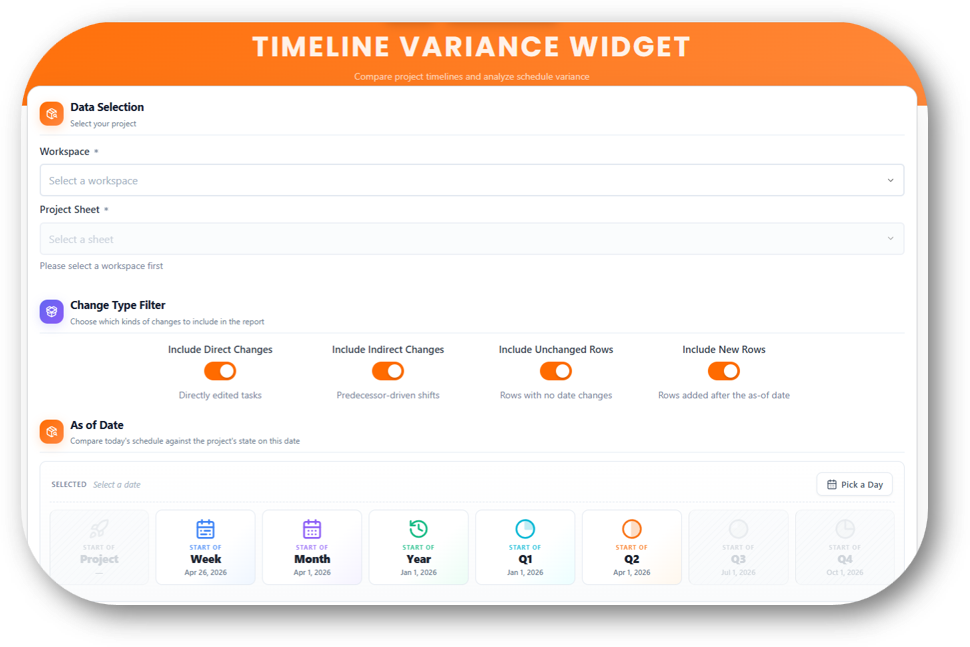
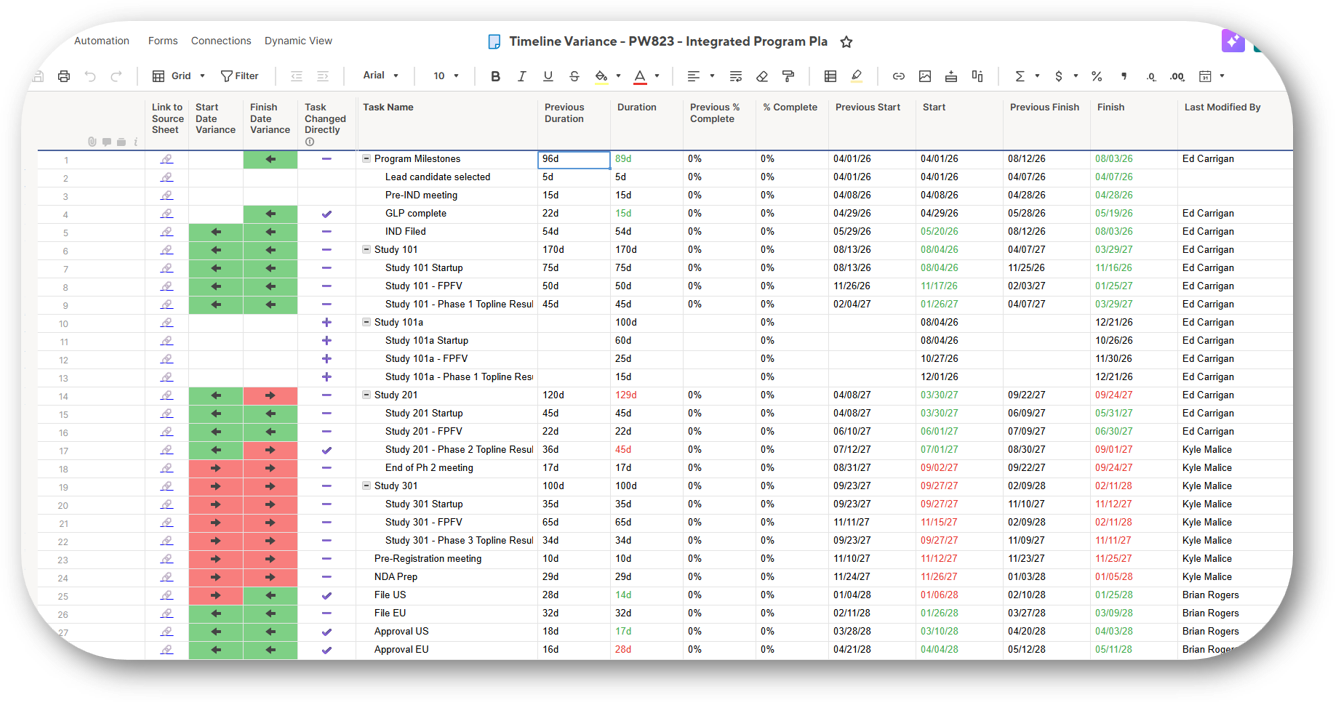
The Timeline Variance Widget identifies tasks that have changed since a selected point in time and highlights any downstream impacts to the project schedule. It provides a quick, filtered view of schedule changes, making it easier to understand and manage project updates.
The Timeline Variance Widget allows you to easily identify schedule changes and understand their impact across your project
Features
Identifies tasks updated since a selected point in time
Highlights directly modified tasks
Displays downstream tasks impacted by schedule changes
Filters the results to show only changed tasks
Benefits
Reduce time spent identifying and tracking project changes
Understand the impact of task updates across the project